Best Internet Cable: Cat5 vs Cat5e vs Cat6 and How to Test It
For most new Ethernet installs, the best internet cable is Cat6. It offers better crosstalk control than Cat5e, more headroom for current and future devices, and stronger performance in crowded bundles or noisy locations. Cat5e remains a practical choice for standard gigabit home and small-office networks. Cat5 is now a legacy option and is usually worth keeping only when it is already in place and the link is stable.
The right answer is not based on category name alone. Cable length, interference, termination quality, and the equipment at both ends matter just as much. After installation, a cable continuity tester and wire-map check confirm that the run is wired correctly before it is put into service.
Cat5, Cat5e, and Cat6: what really changes
When comparing Cat5 vs Cat5e vs Cat6, the main differences are standards status, crosstalk limits, construction, and how forgiving each cable is during termination. All three are twisted-pair Ethernet cables built around the same basic structured-cabling model: a 100-meter channel is the normal design target, usually made up of a 90-meter permanent link plus patch cords at each end.
Cat5 is the oldest of the three and is effectively a legacy choice for modern data cabling. It was designed for earlier Ethernet speeds and offers less margin against noise and pair interference. Some Cat5 runs still carry gigabit traffic in practice, but that is not a dependable design target for a new installation.
Cat5e is the improved version that tightened crosstalk and return-loss requirements. It is still a common baseline for office and home networks because it reliably supports 1 GbE up to 100 meters when the cable is sound and the terminations are correct. It is also easier to terminate cleanly than Cat6, which helps in quick retrofits and simple residential runs.
Cat6 raises the performance ceiling further. It has tighter pair geometry, lower crosstalk, and often uses thicker conductors or a spline/separator to keep the pairs apart. That construction improves margin in dense bundles and makes the cable more tolerant of nearby interference. Cat6 still supports 1 GbE to 100 meters, and it can support 10 GbE over shorter runs depending on cable quality, installation conditions, and noise level.
Termination becomes more important as the category rises. Cat6 is less forgiving of sloppy punching or long untwisted sections at the jack or plug. The installer should keep pair twists as close to the termination as possible, use category-rated connectors and keystones, and avoid mixing worn or low-grade hardware with higher-grade cable. The cable can only perform to its rating when the entire link is built to that same standard.
Construction also affects real-world use. Some Cat6 products include a center spline or a thicker jacket to improve pair separation and reduce crosstalk. Shielded versions exist as well, but shielding is a construction choice, not a requirement of the category itself. In most everyday internet and LAN jobs, the gain comes from cleaner pair control rather than from extra metal around the cable.
Which cable fits your home or office run?
For a new home or office run, Cat6 is usually the safest default. The material price difference is often small compared with the labor involved in pulling cable through walls, ceilings, and conduit. The added margin is useful when the run is bundled with power, crosses other cables, or feeds devices that are expected to stay in service for years.
- Choose Cat5e for a simple, cost-sensitive gigabit link where the cable path is short, clean, and unlikely to change soon. It is a good fit for desktop drops, printers, smart TVs, basic access points, and many home-office endpoints.
- Choose Cat6 for new construction, denser cable bundles, PoE cameras, wireless access points, VoIP phones, and any run where interference or future bandwidth growth is a concern. It is also the better choice when the user wants more margin without jumping to a fully shielded or higher-category system.
- Keep Cat5 only when reusing an existing run that already passes testing and already supports the needed speed. It is not the best internet cable for a new build, but it may remain usable for lower-speed or short links.
Distance is another deciding factor. All three categories are designed around the same 100-meter channel model, but actual usable speed depends on how much noise the cable sees and how cleanly it was terminated. A short Cat5e run can perform well, while a long Cat6 run with poor terminations can still fail. More headroom does not replace good workmanship.
Installation conditions matter too. In a crowded equipment rack, a large cable bundle, or a path that runs near motors, lighting ballasts, or power wiring, Cat6 has a better chance of staying stable. Its lower crosstalk margin helps when many cables are bundled together or when Power over Ethernet loads warm the bundle over time.
If the goal is 10 GbE over the full 100 meters, neither Cat5e nor Cat6 is the ideal answer. Cat6 can support 10-gigabit links on shorter, cleaner runs, but full-length 10G usually calls for a higher-grade design. For the common home or office internet run, though, Cat6 gives the best mix of performance margin and installability.
How a cable continuity tester and wire-map check work
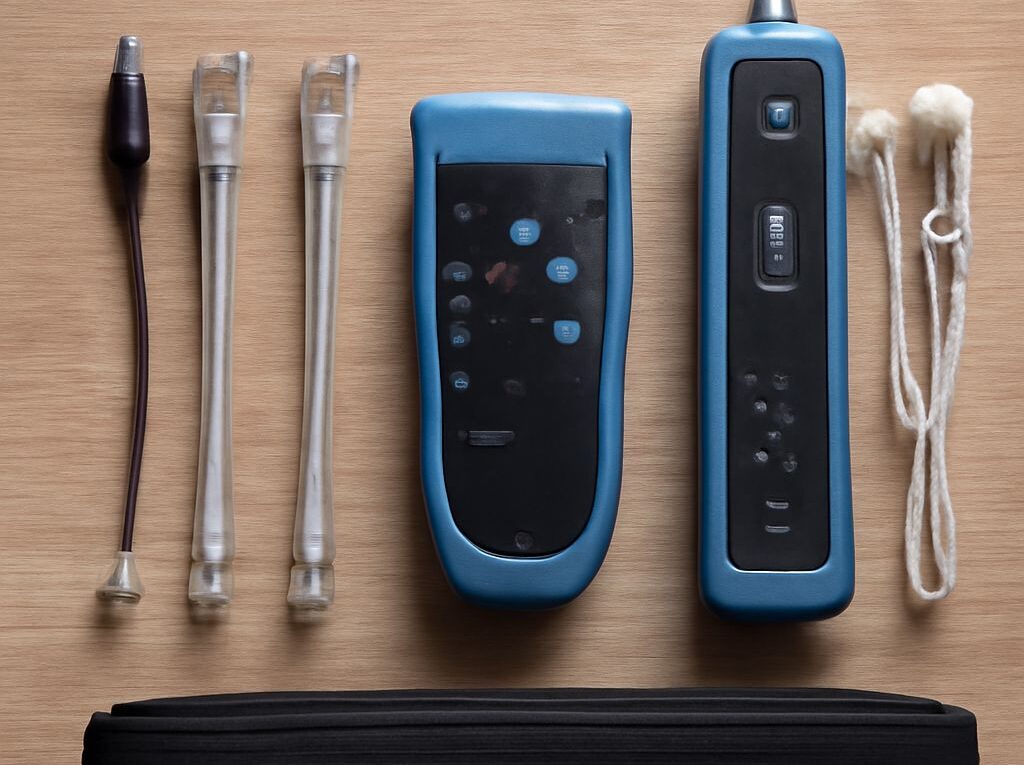
A continuity tester sends a low-voltage signal through each conductor and reports whether the signal reaches the remote end. A wire-map tester goes a step further by showing whether each pin arrives at the correct pin on the far end. That distinction matters: continuity only says a conductor is connected end to end, while a wire map shows whether the cable is actually pinned correctly.
Basic testers can identify several common faults:
- Open — a conductor is broken, not punched down, or not making contact at one end.
- Short — two conductors are touching each other, often because of a stray wire strand or damaged insulation.
- Reversed — the two conductors of a pair are landed in the wrong polarity at one end.
- Crossed — pairs are terminated to the wrong pins, or one end does not match the other end’s pinout.
- Split pair — the conductors are on pins that look correct, but they are not the proper twisted-pair partners, which increases crosstalk and can hurt speed even when a simple LED test appears normal.
- Shield continuity — on shielded cable, the tester checks that the foil, braid, or drain path remains continuous end to end.
Shield testing matters only on shielded cable, but it should not be ignored. An open shield can leave the run more vulnerable to interference and can defeat the reason the shielded cable was selected in the first place. In a grounded shielded system, the tester should confirm both the conductors and the shield path.
Continuity alone does not certify performance. It does not measure attenuation, return loss, next-end crosstalk, or impedance consistency. A cable can pass a simple continuity check and still fail to carry gigabit or 10-gigabit traffic reliably. For category claims, a cable certifier is needed; for routine installation work, a wire-map tester is the faster first check.
How to test the run, read faults, and confirm speed
- Disconnect the run from active network equipment and label both ends. Testing should be done on a dead cable, not through a switch or router port.
- Confirm the intended pinout. Most data runs should be wired the same at both ends, typically T568A-to-T568A or T568B-to-T568B. A mismatch is intentional only when a crossover is required.
- Connect the tester’s main unit to one end and the remote to the other. For shielded cable, use the shield test mode or lead if the tester supports it.
- Read the wire map. Every conductor should appear in the correct order, with no missing pins, no shorts, and no shield fault.
- If the tester reports an open, inspect the punchdown, plug, or damaged section and re-terminate as needed. If it reports a short, remove stray strands or crushed insulation.
- If it reports reversed, crossed, or split pairs, re-terminate both ends so each twisted pair stays together and matches the same pinout on both sides.
- Retest after each repair until the map is clean.
When the wire map passes, connect the switch and endpoint and check the negotiated speed. A good Cat5e or Cat6 run should normally negotiate 1.0 Gb/s when the devices support it. If the link falls back to 100 Mb/s, flaps, or drops packets, the first suspects are usually the patch cords, keystones, punchdowns, or device ports rather than the in-wall cable itself.
For a quick isolation check, swap in known-good patch cords before reopening the wall termination. If the link speed still fails after the patch cords and endpoints are verified, the in-wall run should be re-tested with the wire-map tester, and a certifier should be used if the installation must prove category performance.