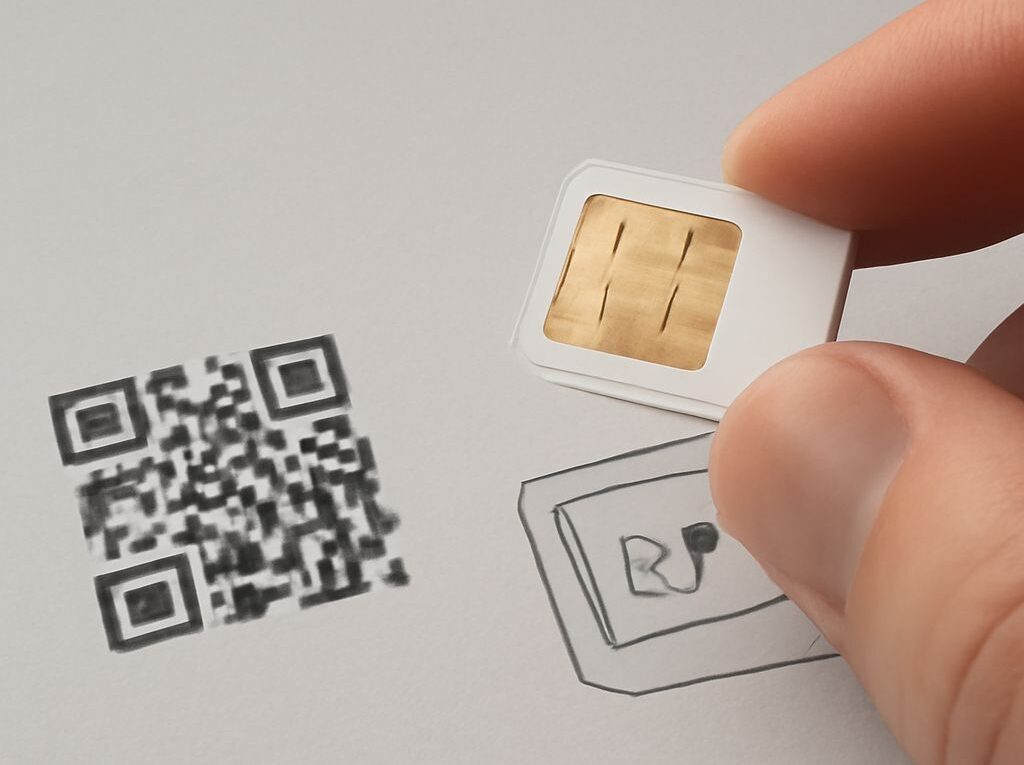
How to Find Your SIM Card Number and Read the ICCID
To learn how to find your SIM card number, check the SIM itself first, then look in the phone’s settings. The number is usually labeled ICCID, SIM serial number, or SIM ID number. A physical SIM often has it printed on the card, while an eSIM displays it in the device or carrier account.
The ICCID identifies the SIM card or eSIM profile. It is different from the phone number, IMSI, IMEI, and EID, which identify different parts of a mobile connection.
How to Find Your SIM Card Number
Use the method that matches the type of SIM and device:
- Physical SIM: Remove the card and read the long number printed on its surface. It may appear beside “ICCID,” “S/N,” or “SIM serial number.”
- iPhone: Open Settings > General > About, then scroll to ICCID. On dual-SIM models, check the section for the relevant cellular plan.
- Android phone: Open Settings > About phone > SIM status or SIM card status. Depending on the manufacturer, the field may be called ICCID or SIM serial number.
- eSIM: Open the phone’s cellular, mobile network, or SIM manager settings and select the relevant eSIM profile. The ICCID may appear with the plan details.
- SIM packaging or carrier account: Check the original SIM holder, activation card, carrier app, or online account if the number is too small to read or is not shown by the phone.
When entering the number for activation or support, copy every digit in order. Spaces and hyphens may be used for readability on packaging, but an online form may require the digits without punctuation. On a dual-SIM phone, each physical SIM or eSIM profile can have a different ICCID.
Find Your SIM ID Number on a Physical SIM
The SIM ID number usually refers to the ICCID, or Integrated Circuit Card Identifier. On a removable SIM, it is commonly printed on the plastic card itself. The print may be on the back, near the contacts, or along an edge. Some cards show the label “ICCID,” while others only print a long sequence of digits.
A physical SIM number is often 19 or 20 digits, although the length can vary by carrier, numbering scheme, and card generation. Many ICCIDs begin with 89, the telecommunications industry identifier, followed by digits associated with the country, issuer, individual card, and check digit. The exact meaning of every later digit depends on the numbering scheme, so the complete sequence should be copied rather than reconstructed.
Look in these places when the SIM itself is difficult to read:
- Original SIM carrier: The larger card from which the nano-SIM, micro-SIM, or mini-SIM was punched may show the full ICCID.
- Activation materials: A welcome letter, activation card, or receipt may list the SIM serial number.
- SIM tray or label: Some devices or carrier-issued kits include a separate label with the SIM details, although the tray itself usually does not contain the ICCID.
- Carrier account: The account portal or carrier app may show the ICCID for an active line, especially when a replacement SIM has been issued.
Do not use the shorter number printed beside the ICCID unless it is clearly identified as the SIM serial number. Also, do not treat a number printed on the SIM as the mobile phone number. The phone number belongs to the service or line and can change while the same SIM remains in use.
Find the ICCID in Phone Settings
Phone settings are usually the easiest way to find the number when the SIM is installed. Menu names vary by operating system version, manufacturer, and whether the phone uses a physical SIM, eSIM, or both.
On an iPhone:
- Open Settings.
- Tap General.
- Tap About.
- Scroll to ICCID.
An iPhone with two active plans may list information for more than one line. Select or review the plan associated with the SIM that needs to be activated, replaced, or verified. Some iOS versions also show cellular-plan information under Settings > Cellular or Mobile Service.
On an Android phone:
- Open Settings.
- Tap About phone, About device, or a similarly named option.
- Open SIM status, SIM card status, or Status information.
- Find ICCID or SIM serial number.
On some Google Pixel phones, the number is under About phone > SIM status. On some Samsung Galaxy phones, it is under About phone > Status information > SIM card status. Other Android phones may place it under Network & internet, Connections, Mobile network, or SIM manager.
For an eSIM, open the cellular or SIM manager section and select the relevant profile. The eSIM profile has an ICCID, while the phone’s eSIM hardware has a separate EID. A device can show both numbers, but they are not interchangeable.
If the operating system does not display the ICCID, check the SIM packaging or carrier account. A carrier may also be able to locate it using the account or line details. When contacting support, request the ICCID or SIM serial number specifically; asking only for the phone number may produce a different identifier.
What Is an ICCID Number? Compare It With Other Mobile IDs
What is an ICCID number? It is the unique identifier assigned to a SIM card or an eSIM profile. The carrier uses it to identify the card or profile during activation, provisioning, replacement, and account support. It helps the carrier match a particular SIM to a mobile service, but it does not identify the handset or directly serve as the subscriber’s phone number.
An ICCID is stored on the SIM or eSIM profile and in the carrier’s systems. It is commonly used when transferring service to a new SIM, checking whether the correct card was activated, troubleshooting a line, or confirming which eSIM profile is installed. The following identifiers have different roles:
- ICCID: Identifies the physical SIM card or eSIM profile. It is stored on the SIM or eSIM profile and in carrier records. It is used for activation, provisioning, SIM replacement, and support. A phone can have multiple ICCIDs when it supports multiple SIMs or eSIM profiles.
- IMSI: Identifies the mobile subscriber in the carrier’s network. It is stored on the SIM or eSIM profile and used for network registration and authentication. The IMSI is not the same as the ICCID and is generally not the number printed on the outside of a consumer SIM.
- IMEI: Identifies the cellular device or modem rather than the SIM. It is stored in the phone’s device hardware or software and is used by networks to recognize the handset, including for device registration or blocking. A dual-SIM phone may have more than one IMEI.
- EID: Identifies the eUICC, the hardware component that manages eSIM profiles. It is stored in the device’s eSIM hardware and is used when downloading or managing eSIM profiles. The EID identifies the eSIM-capable component; the ICCID identifies an individual profile on it.
- Phone number: Identifies the calling line or service assigned by the carrier. It is stored mainly in carrier account systems and may be displayed in the phone’s settings. It is used for calls, text messages, and services that address the line. A phone number can change without changing the device’s IMEI, and a SIM’s ICCID can remain unchanged even when the assigned number changes.
For SIM activation or replacement, the requested identifier is normally the ICCID or SIM serial number. For eSIM hardware support, it may be the EID. For handset checks, it is the IMEI, while network authentication uses subscriber information such as the IMSI.