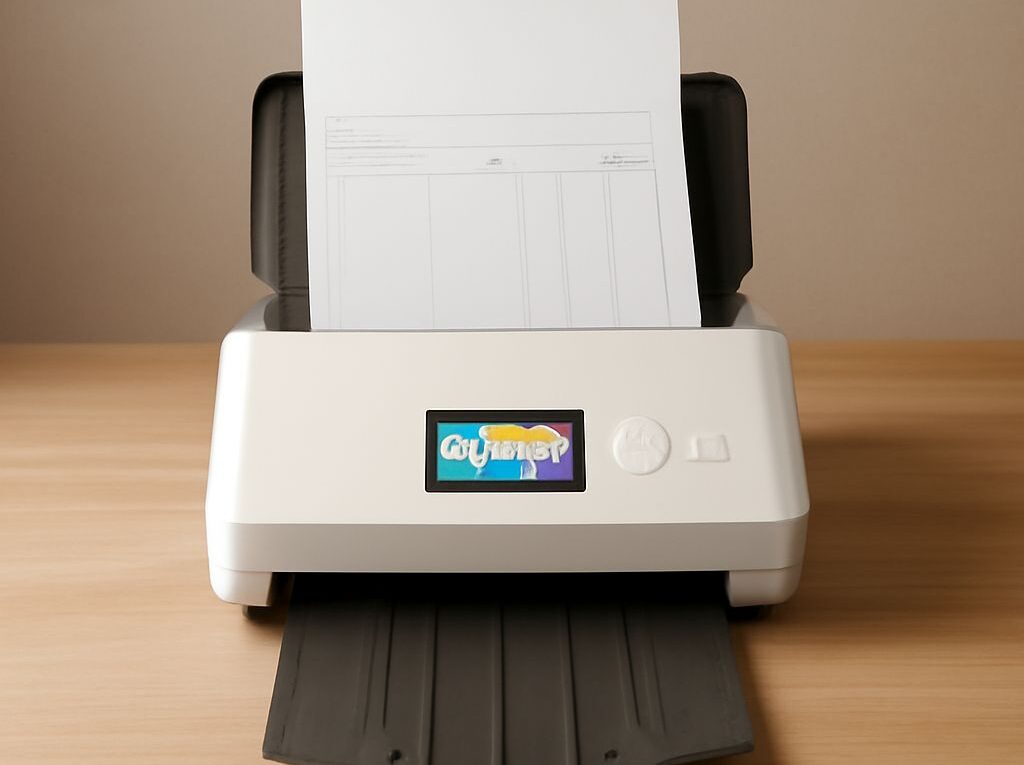
Choosing the Right High Speed Scanner for Network Services
Businesses that rely on efficient document processing need tools that keep pace with their workflow. Selecting the right high speed scanner is essential for network services where large volumes of documents must be digitized quickly, accurately, and securely. This guide explains what defines a high speed scanner, highlights the features that matter in a high capacity scanner, reviews leading brands and models, and provides practical advice for choosing the best option for your organization.
What is a High Speed Scanner?
A high speed scanner is a document scanning device designed for environments where fast, continuous, and reliable digitization of physical documents is required. These scanners typically process between 40 and 150 pages per minute (ppm), but some models go beyond 200 ppm for specialized, high-demand operations. Unlike basic desktop or multifunction scanners, a high speed scanner is built for heavy daily use and is often integrated directly with network services, allowing multiple users to send and access scans across an office or enterprise environment.
The core advantage of a high speed scanner lies in its ability to handle both speed and volume. While speed refers to how quickly pages can be scanned, capacity is about how many sheets the device can process in one batch and over a workday. Most high speed units include advanced document feeders, duplex scanning (simultaneous two-sided capture), and robust image processing to ensure accurate results even at high throughput.
High speed scanners often support a wide range of file formats, automated workflow features, and integration options for network folders, cloud storage, and document management systems. These capabilities make them a backbone for industries like legal, healthcare, finance, and government, where document volumes and compliance demands are substantial.
Key Features to Look for in High Capacity Scanners
When choosing a high capacity scanner for network services, several key features should guide your selection:
- Automatic Document Feeder (ADF) Capacity: High capacity scanners typically offer feeders that hold anywhere from 80 to over 500 sheets, allowing for uninterrupted scanning of large batches.
- Scanning Speed: Measured in pages per minute (ppm) or images per minute (ipm), faster scanners reduce bottlenecks. For busy offices, look for models with at least 60 ppm and scalable throughput.
- Duty Cycle: The duty cycle indicates the maximum number of pages a scanner can reliably process per day or month. High duty cycles (20,000 pages per day or more) are important for sustained, high-volume use.
- Duplex Scanning: Simultaneous double-sided scanning accelerates document capture and is essential for efficient workflows.
- Paper Handling and Versatility: The best high capacity scanner can process mixed document sizes, weights, and materials—such as cards, receipts, and long-form papers—without jams or errors.
- Connectivity and Integration: Network connectivity, including Ethernet, Wi-Fi, or direct-to-cloud features, allows seamless integration with business systems. Compatibility with document management software and secure scan-to-email or folder workflows is also key.
- Image Quality and OCR: Look for advanced image enhancement, automatic color detection, and built-in OCR (Optical Character Recognition) for searchable files.
These features ensure that a high speed scanner is not just fast but also reliable, flexible, and easy to integrate with your organization’s digital infrastructure.
Top High Speed Scanner Brands and Models
Several manufacturers lead the market with robust high speed and high capacity scanners suitable for network services:
- Fujitsu fi Series: Models like the fi-8170 and fi-7900 excel in speed (up to 140 ppm), reliability, and integration capabilities, making them popular in enterprise environments.
- Canon imageFORMULA DR Series: The DR-G2140 and DR-M260 combine high speeds (110-140 ppm), large ADFs, and advanced image processing. They are favored in healthcare and finance sectors.
- Epson WorkForce Enterprise: Known for high capacity scanning and robust network features, models like the DS-32000 offer flexibility for mixed media and heavy daily cycles.
- Kodak Alaris S3000 Series: These scanners balance speed, capacity, and intelligent document protection, with models supporting up to 120 ppm and advanced network integration.
Each brand specializes in different aspects—Fujitsu prioritizes reliability and image quality; Canon offers strong software suites; Epson focuses on versatility; and Kodak Alaris delivers excellent throughput and paper handling. Evaluate each relative to your workflow requirements for optimal results.
How to Choose the Best Scanner for Your Network Services
To select the best high speed scanner for your network services, start by assessing your daily scanning volume, document types, and existing IT infrastructure. Quantify your peak and average throughput to ensure the scanner’s rated speed and duty cycle can handle your workload. Consider the mix of documents—if your organization scans both standard pages and specialty items like ID cards or long receipts, prioritize a device with versatile paper handling and jam-resistant design.
Evaluate integration requirements: a high capacity scanner should connect easily to your network, support secure user authentication, and work seamlessly with your document management or cloud systems. Test compatibility with your preferred file formats and OCR needs to ensure effortless downstream processing. Advanced image processing is also critical for maintaining high quality at speed, minimizing retakes and manual corrections.
Finally, factor in support, warranty, and total cost of ownership. Reputable brands offer extended warranties and responsive customer service, which are valuable for minimizing downtime in mission-critical operations. By weighing these considerations, businesses can confidently invest in the right high speed scanner for efficient, scalable, and secure document digitization across their network services.