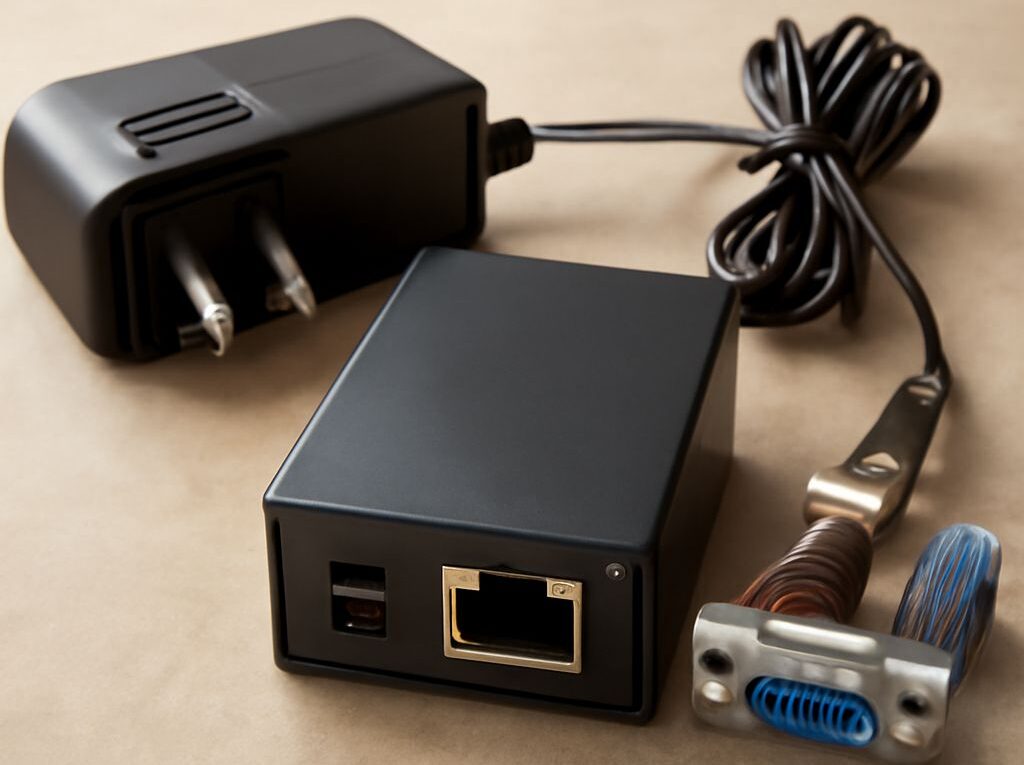
Serial to Ethernet Converter Setup for Legacy Instruments
A measuring instrument may send reliable readings through a serial port while the application that needs them runs on a network server. An Ethernet converter for serial devices bridges those interfaces: the operator matches the electrical connection and line settings, configures a network endpoint, and tests a known exchange before relying on live readings.
Match the physical interface
A serial to Ethernet converter receives data at a serial port and forwards it over an IP network. It also carries data in the other direction when the selected mode supports it. The converter does not automatically translate an instrument’s application protocol into the format a network application expects.
First identify whether the instrument uses RS-232, RS-422 or RS-485 and select a device that supports that interface. Connector shape alone is not enough: check the equipment’s pinout, signal direction and wiring diagram. RS-485 installations may require attention to two-wire or four-wire operation, termination and biasing, as specified for the devices and bus. An incorrect connection can prevent communication even when the network side is configured correctly.
Match baud rate, data bits, parity, stop bits and flow control on both ends. For example, a documented 9,600 baud, eight data bits, no parity and one stop bit setting must be entered consistently. Confirm any hardware or software flow control as well. Record the values alongside the instrument’s identity so a replacement can be configured without guesswork.
Choose who initiates the connection
In TCP server mode, the serial to Ethernet converter listens at an IP address and TCP port; the application opens the connection. In TCP client mode, the converter initiates a connection to a configured host and port. Choose the mode that matches the application’s behavior and the site’s network rules. Some products also support UDP or a virtual serial-port driver, but the application must support the selected method.
Assign a stable address or a managed reservation, identify the correct port and permit only the required network path. A serial device server on Ethernet may expose a raw socket that does not itself authenticate or encrypt the instrument’s data. Restrict access to authorized systems and use an appropriate protected network or secure tunnel where needed. Keep management access separate and controlled.
The application must understand the instrument’s commands, response framing and encoding. For instance, carrying a serial Modbus RTU byte stream over TCP is not automatically the same as translating it into Modbus TCP. Confirm whether the application expects a transparent stream or a protocol-aware gateway before selecting the integration.
Test a known request and response
Connect an Ethernet-to-serial adapter to the instrument using the documented wiring, then send a harmless, known query from the intended application. Compare the complete returned bytes and decoded value with the instrument’s expected response. Include delimiters, checksums and units where the protocol uses them. Confirm that the application handles incomplete reads: TCP presents a byte stream, so a single response need not arrive in one read.
A serial data bridge to Ethernet may wait for a delimiter, a byte count or a timeout before forwarding data. These settings affect response latency and how data is grouped. Test the application’s timeout against normal and worst-case response times, then observe repeated exchanges under ordinary network load. Avoid reducing a timeout so far that a valid but slower reading is treated as a failure.
Detect interruption and recover cleanly
Disconnect the network briefly and observe whether the Ethernet serial converter buffers instrument data, how much it holds and what happens when it fills. Buffering and replay depend on the model and configuration. After reconnection, compare the received sequence with the instrument’s output; decide whether stale readings should be processed, marked with their original time or discarded.
A connected network socket with no valid response points first to the serial settings, wiring or application protocol; missing readings after a network interruption point to reconnection or buffer behavior. Check the relevant counters and logs, correct the setting, and repeat the known exchange before returning the instrument to service.