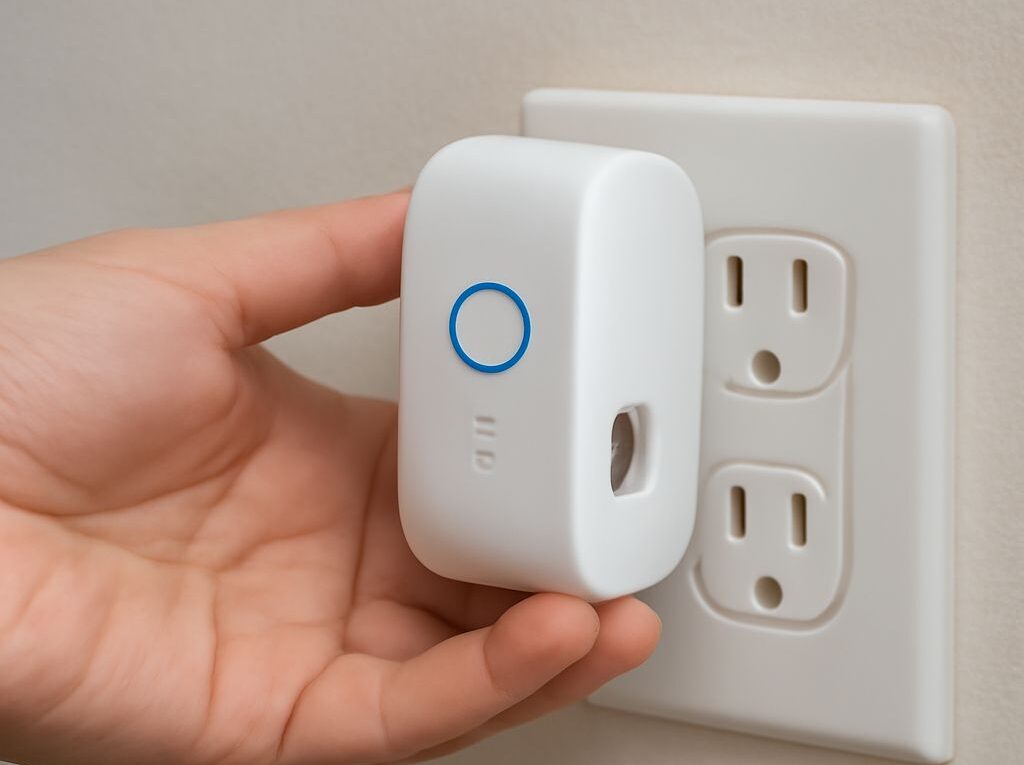
Access Point vs Wi-Fi Extender: Signal Power and Speed Trade-offs
Choosing between an access point and a Wi-Fi extender comes down to topology first. If Ethernet can reach the coverage area, an access point usually delivers the better result: higher and steadier throughput, lower latency, and smoother roaming. If a cable cannot be run, an extender can fill a dead zone, but it usually trades speed for convenience because wireless backhaul consumes radio airtime.
The signal numbers help explain the trade-off. dBm to milliwatts conversion shows how much RF power is present, while link rate and throughput show how much data actually moves. That is why an access point vs wifi extender choice should be judged by backhaul, channels, roaming behavior, and real measurements rather than by the highest power rating on the box.
Access Point vs Wi-Fi Extender Topology: Backhaul, Channels, and Roaming
Wired backhaul vs wireless backhaul
An access point uses wired backhaul to a router or switch. The Ethernet link carries traffic upstream, so the AP can spend its radios on client devices. That separation is the core advantage: the wireless side is not also acting as the transport path to the network core.
A Wi-Fi extender usually uses wireless backhaul. In repeater mode, it receives traffic from the router and retransmits it to clients on the same airwaves. One radio, or one radio chain, has to do both jobs, so the extender shares airtime between backhaul and client traffic. That is why extenders often show a good-looking signal but deliver less usable speed than an AP.
Some dual-band extenders reduce the penalty by using one band for backhaul and another for clients. That helps, but the backhaul is still wireless, so it still competes with walls, neighbors, and other access points. If an extender has an Ethernet port, using it in access point mode removes the wireless backhaul bottleneck and makes its behavior much closer to a true AP.
Placement, channel use, and roaming
Placement matters differently for each device. An access point should be placed where it can cover the target area cleanly with a stable wired feed. An extender should not be placed in the dead zone; it needs to sit where it still receives a strong enough signal from the router to create a usable backhaul link. If the source signal is weak at the extender, the extended network will be weak too.
Channel use also changes the result. With access points, channel planning can reduce overlap and co-channel contention, especially in dense homes or offices. On 2.4 GHz, that often means careful use of non-overlapping channels. On 5 GHz, there are more choices, but nearby networks still matter. Extenders commonly repeat traffic on the same channel or share channels across backhaul and clients, which raises contention and lowers effective throughput.
Roaming is usually smoother with access points when the network is designed as a single system with one SSID, sensible channel selection, and overlapping coverage that is not excessive. Extenders can present the same SSID, but clients may cling to the weaker signal longer than expected. That “sticky client” behavior is common because the device, not the network, decides when to roam.
Interference and expected throughput
Interference limits both options, but extenders feel it more sharply because they depend on a clean backhaul link. Thick walls, metal appliances, neighboring Wi-Fi, cordless devices, and crowded apartment channels reduce signal quality. As signal-to-noise ratio falls, retransmissions rise and throughput drops.
Expected throughput should always be lower than the displayed link rate. With an access point on Ethernet backhaul, real throughput can still be very good if the channel is clean and the client is close. With an extender, the same environment often produces a much lower result because airtime is divided between receiving and repeating. A strong signal indicator does not guarantee strong application speed.
Convert dBm to Milliwatts: What the Signal Numbers Mean
Quick RF conversion examples
dBm expresses power relative to 1 milliwatt on a logarithmic scale. The conversion is simple:
mW = 10^(dBm / 10)
Common examples make the scale easier to read:
- 0 dBm = 1 mW
- 10 dBm = 10 mW
- 20 dBm = 100 mW
- 23 dBm ≈ 200 mW
- 30 dBm = 1000 mW
Signal strength on the receive side is often discussed as negative dBm values. As a rough guide, around -50 dBm is strong, -67 dBm is commonly healthy for voice or video, -75 dBm is marginal but can still work for lighter traffic, and -80 dBm or below is usually weak.
The logarithmic scale matters. A 3 dB change is about double or half the power, while a 10 dB change is a tenfold change. That is a big shift in RF terms, but it does not translate directly into a tenfold change in user speed.
Why higher transmit power does not guarantee speed
Higher transmit power can extend coverage a little, but it does not create capacity out of thin air. If the client still sees poor signal quality, low signal-to-noise ratio, or a congested channel, the connection may fall back to slower modulation rates. More power can also make roaming worse if clients stay attached to a distant AP longer than they should.
This is where the dBm reading is useful as a diagnostic tool, not as a promise of performance. Two networks can both claim similar transmit power and still behave very differently because receiver sensitivity, antenna pattern, channel width, interference, and backhaul design all affect the result. A powerful extender cannot fix a poor source signal; it can only repeat what it receives.
Is LAN Faster Than Wi-Fi? Speed, Latency, and Stability
Why Ethernet usually wins
Yes, LAN is usually faster than Wi-Fi for local transfers, low-latency work, and consistent performance. Ethernet is a dedicated full-duplex link with fixed capacity, so it does not compete for airtime the way Wi-Fi does. A 1 GbE port can carry close to gigabit-class traffic under good conditions, and 2.5 GbE or 10 GbE raises that ceiling further.
Wi-Fi is a shared medium. Devices take turns, frames can be retried, and the available rate changes with distance, walls, and interference. That makes wireless extremely convenient, but it also makes it less predictable. For a desktop, NAS, game console, printer cluster, or TV that never moves, a cable is usually the better transport.
Latency is also more stable on Ethernet. Wi-Fi adds variability from contention and retransmissions, so ping times tend to fluctuate more. For video calls, remote work, and gaming, that variation can matter as much as raw speed.
Why link rate is not real throughput
Link rate is the physical layer number the device negotiates with the radio or switch. It is not the same as application throughput. Over Wi-Fi, protocol overhead, acknowledgements, encryption, error correction, and retransmissions all reduce the usable rate. An 866 Mbps link rate does not mean an 866 Mbps file copy.
Real throughput is the figure that matters. In a clean environment, a good Wi-Fi link may move several hundred megabits per second. Through an extender, the number can fall much further because the same channel is being used for backhaul and client traffic. Ethernet loses some overhead too, but far less than Wi-Fi, so its throughput is usually closer to the advertised line rate.
Choose and Validate the Right Coverage Method
Test signal, link rate, latency, and actual throughput in several locations
The simplest test is to measure the same room set from several places: near the router or AP, at the extender location, and in the target room. At each point, record:
- Signal strength in dBm.
- Link rate shown by the device or client adapter.
- Latency to the router or local gateway, usually by ping.
- Actual throughput using a file copy or a tool such as iPerf.
For a wireless extender, the most useful reading is the backhaul signal at the extender itself. If that reading is weak, move the unit closer to the router or change to a wired access point. A location that looks convenient but measures poorly will usually produce unstable service.
Success looks like stable dBm readings, modest link-rate drops between rooms, low ping variation, and throughput that stays close to expectations for the hardware. Failure looks like large speed swings, sudden latency spikes, or a link rate that collapses as soon as distance or walls increase.
Match the result to your coverage and roaming needs
Use an access point when Ethernet can reach the space, multiple devices need reliable speed, or roaming across several rooms matters. Use an extender when the coverage gap is small, cable runs are not practical, and reduced speed is acceptable. If the extender supports Ethernet backhaul, switching it into access point mode is often the best compromise.
If the target room needs sustained downloads, cloud backups, or NAS transfers, cable is usually the cleaner answer. If the target room only needs light browsing, smart-home control, or occasional video, an extender can be enough. When the measured backhaul remains weak after placement adjustments, the bottleneck is the wireless path itself, and only a wired AP changes that limit.