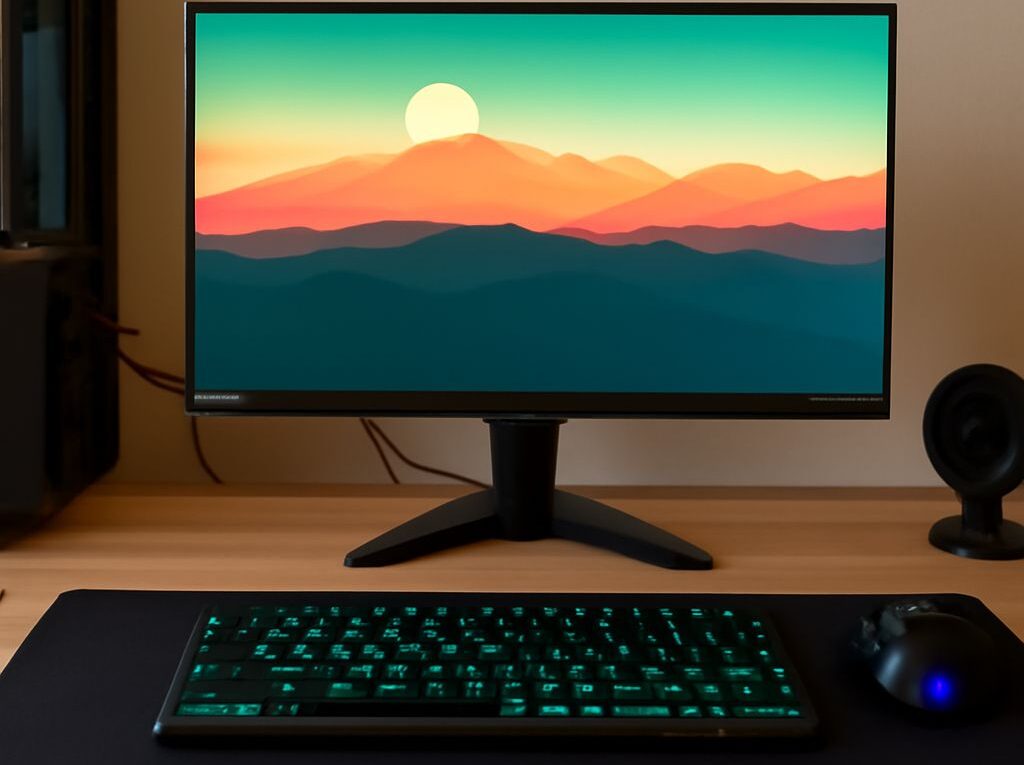
The Best Gaming Monitor: Top Picks for Every Type of Gamer
Choosing the best gaming monitor can significantly enhance gameplay, offering smoother visuals, faster responses, and more immersive experiences. In 2024, advancements in display technology mean that the best computer monitors for gaming cater to a range of needs—from ultra-competitive esports to cinematic single-player adventures. Here are the key features and top recommendations to find the best PC monitor for gaming, along with practical guidance on matching a monitor to your playstyle and setup.
What Makes a Gaming Monitor the Best?
The best gaming monitor is defined by a combination of display quality, speed, and features tailored for gamers. Critical factors include refresh rate, response time, resolution, panel technology, and adaptive sync support. High refresh rates (144Hz, 240Hz, and beyond) provide ultra-smooth motion, while low response times (1ms to 3ms) minimize motion blur and ghosting in fast-paced games.
Panel type plays a substantial role: IPS panels offer vibrant colors and wide viewing angles, ideal for immersive visuals and content creation, while TN panels prioritize speed at the expense of color fidelity. VA panels strike a balance, excelling in contrast and deeper blacks, which can be advantageous for story-driven or horror games.
Support for NVIDIA G-SYNC or AMD FreeSync is also essential, as adaptive sync technologies reduce screen tearing and stuttering when frame rates fluctuate. HDR capability, color accuracy, and screen size further help define a premium gaming experience. Ultimately, the best computer monitors for gaming are those that align their technical strengths with a gamer’s specific needs.
Ergonomics, connectivity options, and customizable features like RGB lighting or built-in USB hubs further separate the best options from generic displays.
Top Picks: The Best Gaming Monitors in 2024
For gamers seeking the best PC monitor for gaming in 2024, several models stand out across different budgets and genres:
- Alienware AW3423DWF: This 34-inch ultrawide QD-OLED monitor leads for immersive gaming, delivering a 165Hz refresh rate, 0.1ms response time, and exceptional HDR performance. Its 3440×1440 resolution and deep contrast make it a top pick for both fast action and cinematic games.
- Samsung Odyssey Neo G8: Featuring a 32-inch 4K VA panel, 240Hz refresh rate, and 1ms response time, the Neo G8 is ideal for gamers wanting both high resolution and speed. Mini-LED backlighting enhances HDR, making it versatile for esports and visually rich titles.
- Acer Predator XB273U GX: This 27-inch QHD IPS monitor (2560×1440, 270Hz) is a favorite for competitive gaming, balancing a fast refresh rate with excellent color accuracy and wide viewing angles.
- ASUS ROG Swift PG259QN: For pure speed, the 24.5-inch PG259QN offers a 360Hz refresh rate and 1ms response, making it the preferred choice for serious esports players focused on performance over resolution or screen size.
- Gigabyte M32U: A 32-inch 4K IPS monitor with a 144Hz refresh rate, the M32U provides sharp images and smooth gameplay, also appealing to gamers who use their monitor for productivity or creative work.
Each of these monitors represents the best gaming monitor for different priorities—ranging from ultrawide immersion to rapid esports response. Consider screen size, panel type, and preferred games when selecting the right fit.
How to Choose the Best Computer Monitor for Gaming
When seeking the best computer monitors for gaming, start with your graphics card’s capabilities. Pairing a high refresh rate 1440p or 4K monitor with a powerful GPU ensures you can maximize frame rates and visual fidelity. Gamers focused on competitive titles should prioritize refresh rate and response time, while those playing open-world or single-player games may prefer higher resolutions and enhanced color performance.
Screen size should match your desk space and viewing distance—24 to 27 inches suit most setups, while ultrawides (34 inches or more) enhance multitasking and immersion. Curved displays can further improve peripheral awareness in shooters or racing games.
Connectivity is also crucial. Ensure your monitor supports HDMI 2.1 or DisplayPort 1.4 for high-bandwidth gaming, especially at 4K and 120Hz or above. Built-in USB hubs, audio out, and ergonomic stands can make everyday use more convenient.
Evaluate adaptive sync support (G-SYNC or FreeSync) based on your system’s graphics card. Those using a monitor for both gaming and creative tasks should also consider color accuracy (coverage of sRGB or DCI-P3) and calibration options.
Frequently Asked Questions About Gaming Monitors
What refresh rate is best for gaming? A refresh rate of 144Hz or higher is ideal for most gamers, with 240Hz or 360Hz reserved for competitive esports players.
Is a 4K gaming monitor worth it? 4K monitors provide excellent clarity and detail, but require a powerful GPU for high frame rates. They are best for immersive, cinematic gaming rather than fast-paced esports.
What panel type is best for gaming? IPS panels are favored for color accuracy and viewing angles, TN for speed, and VA for contrast. Choose based on your gaming and usage priorities.
How important is response time? Lower response times (1ms to 3ms) are critical for minimizing motion blur, especially in shooters and fast-paced games.
Do you need G-SYNC or FreeSync? Adaptive sync is highly recommended for smooth, tear-free gameplay, regardless of your gaming genre.