Ethernet vs Cat5: Wire a Wall Socket and Make a Cable
Understand Ethernet vs Cat5, choose T568A or T568B, wire an Ethernet wall socket, make a matching RJ45 patch cable, and test wire-map faults and negotiated link speed.
Continue reading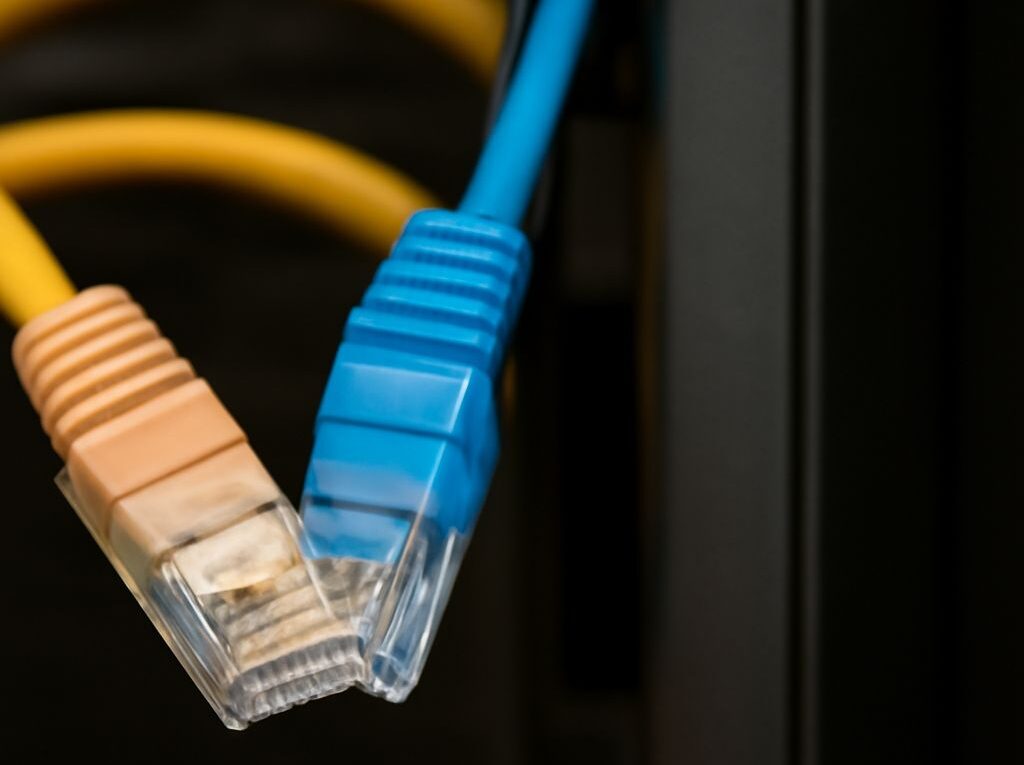
Understand Ethernet vs Cat5, choose T568A or T568B, wire an Ethernet wall socket, make a matching RJ45 patch cable, and test wire-map faults and negotiated link speed.
Continue reading
Coax to Ethernet conversion requires a powered adapter pair: coax carries the link, while Cat5e or Cat6 carries the Ethernet handoff. Learn splitter, power, distance, capacity, and testing basics.
Continue reading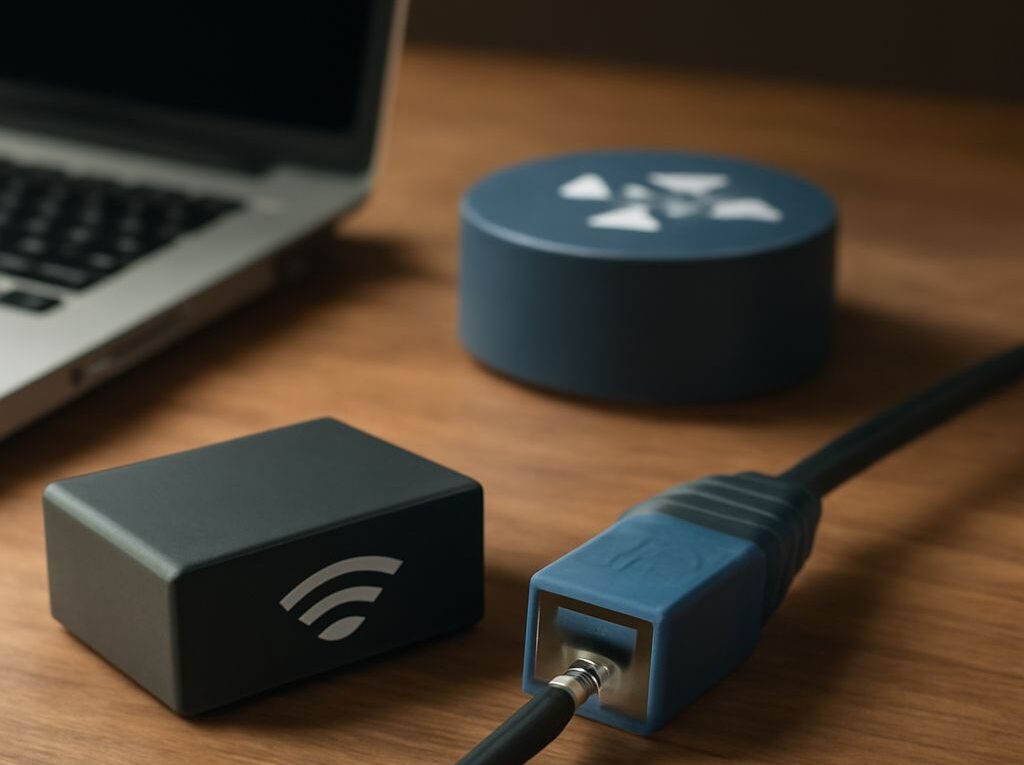
RJ-45 wiring explained: choose the right Ethernet cable for internet and LAN links, follow T568A or T568B color order, crimp all eight pins, and test the finished connection.
Continue reading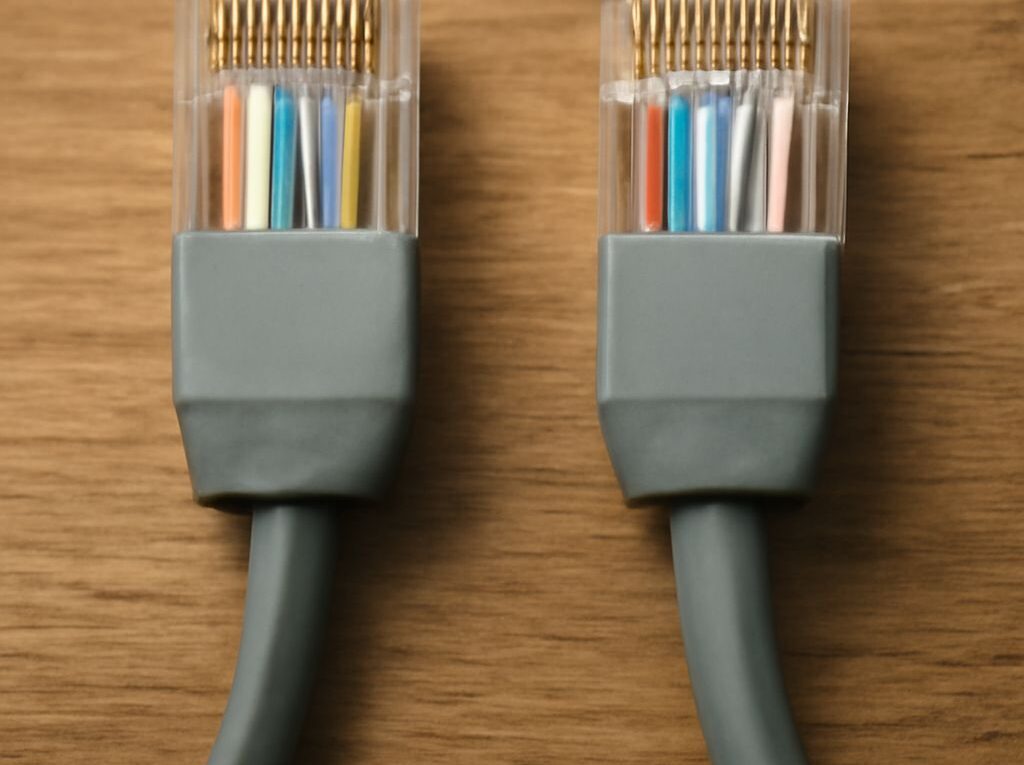
Use this network cable wiring diagram to terminate a straight-through RJ45 cable, compare T568A and T568B, place a network surge protector, bond it correctly, and test the finished Ethernet link.
Continue reading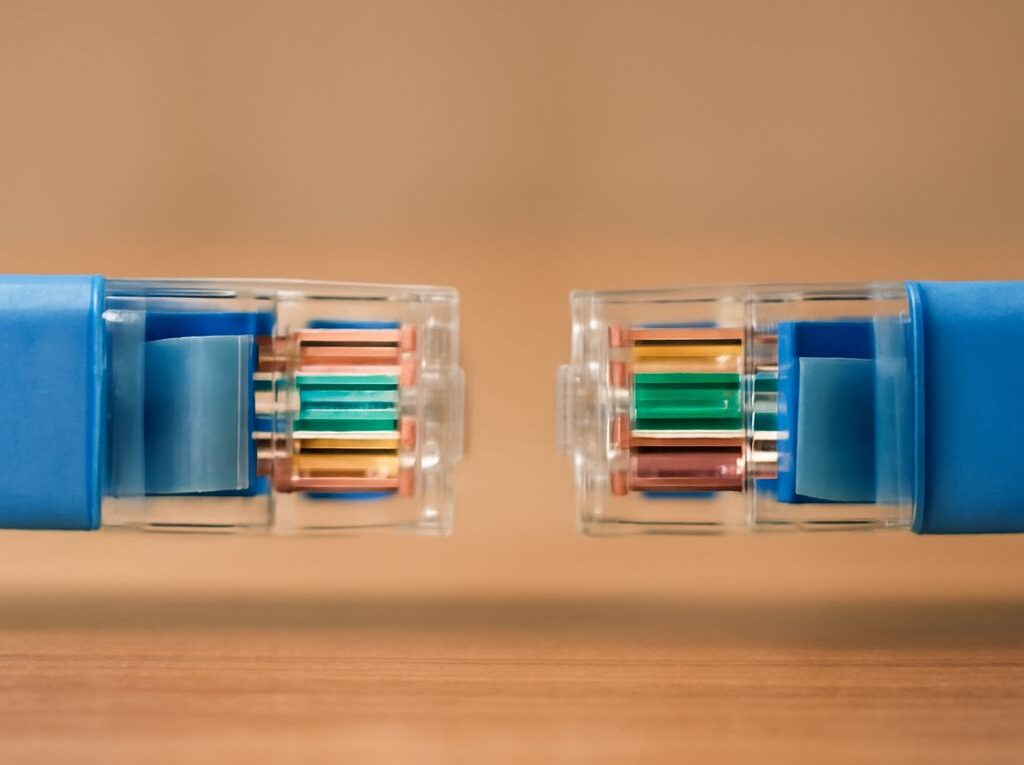
Ethernet cable color meanings explained: identify the ONT or fiber optic cable modem, find its Ethernet demarcation, choose T568A or T568B, wire an Ethernet jack, and test the finished link.
Continue reading
Learn how ethernet cable connectors differ from active USB Ethernet devices. Choose an RJ45 to USB adapter by USB type, chipset, drivers, speed, and power, verify link, MAC, DHCP, and throughput.
Continue reading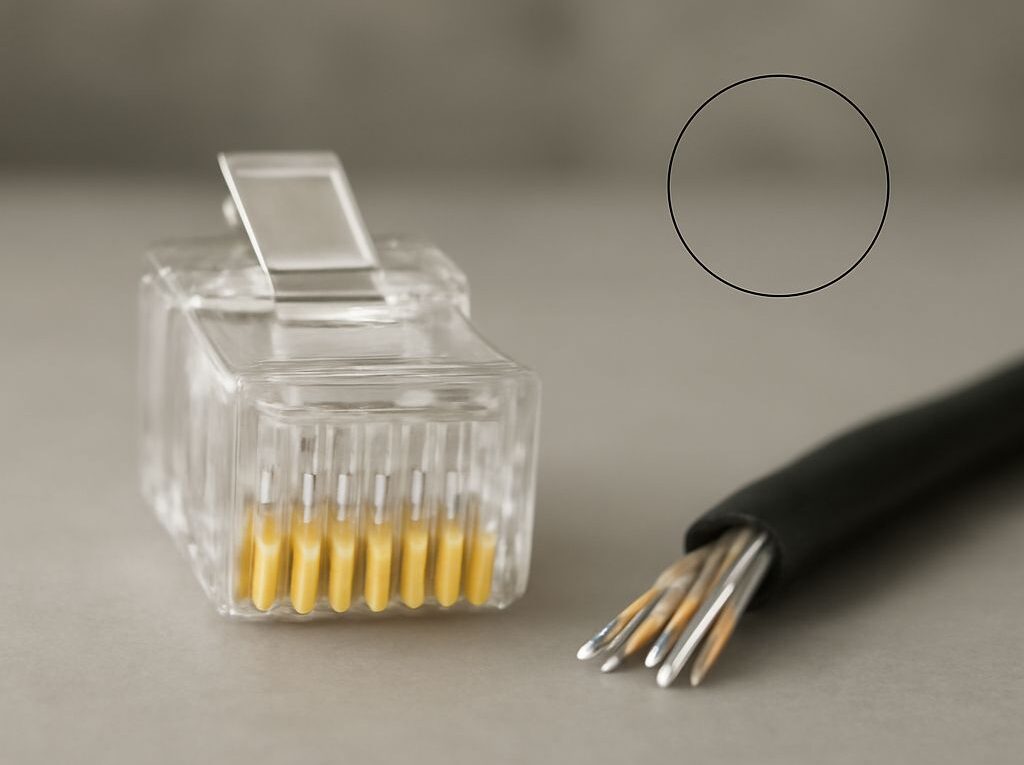
RJ45 plug wiring for a 100-foot Cat6 run: choose T568A or T568B, crimp both ends, connect an active coax network adapter pair, and test copper, coax, and end-to-end throughput.
Continue reading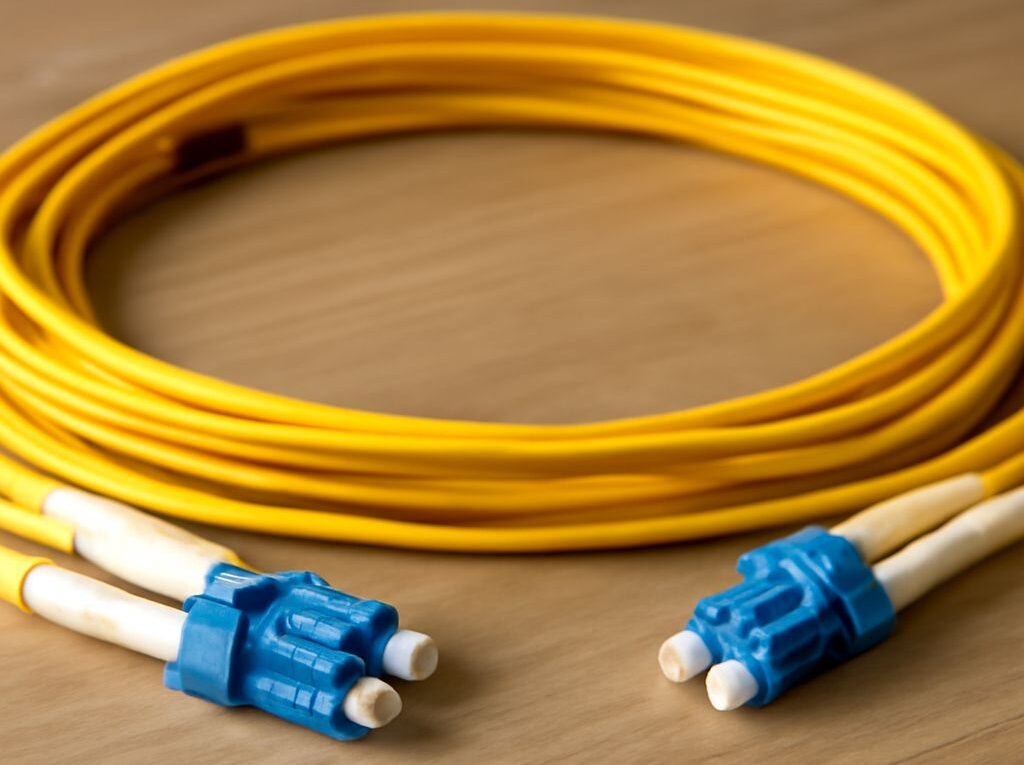
Fiber optic network cable suits long, high-bandwidth or interference-heavy links; twisted-pair copper fits shorter Ethernet runs. Compare reach, speeds, interfaces, testing, and RJ45 wire colors.
Continue reading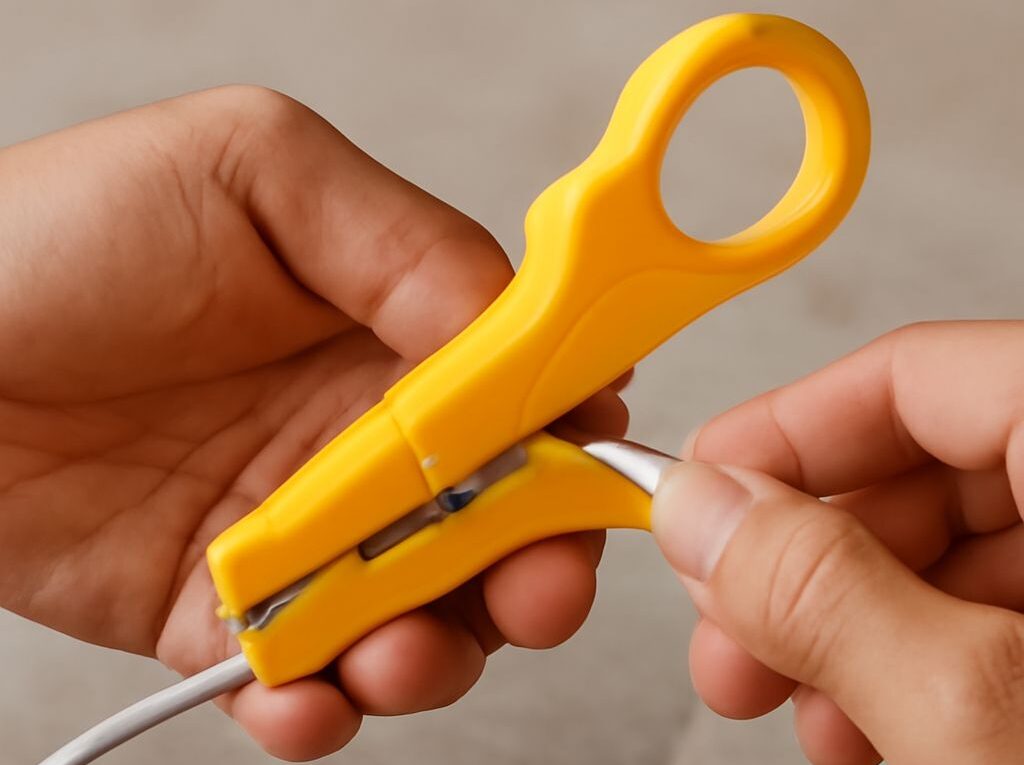
Choose a coax ethernet adapter by its conversion method, coax frequency, capacity, power needs, and RJ45 handoff. Follow a workflow for termination, wire-map testing, link negotiation, and throughput.
Continue reading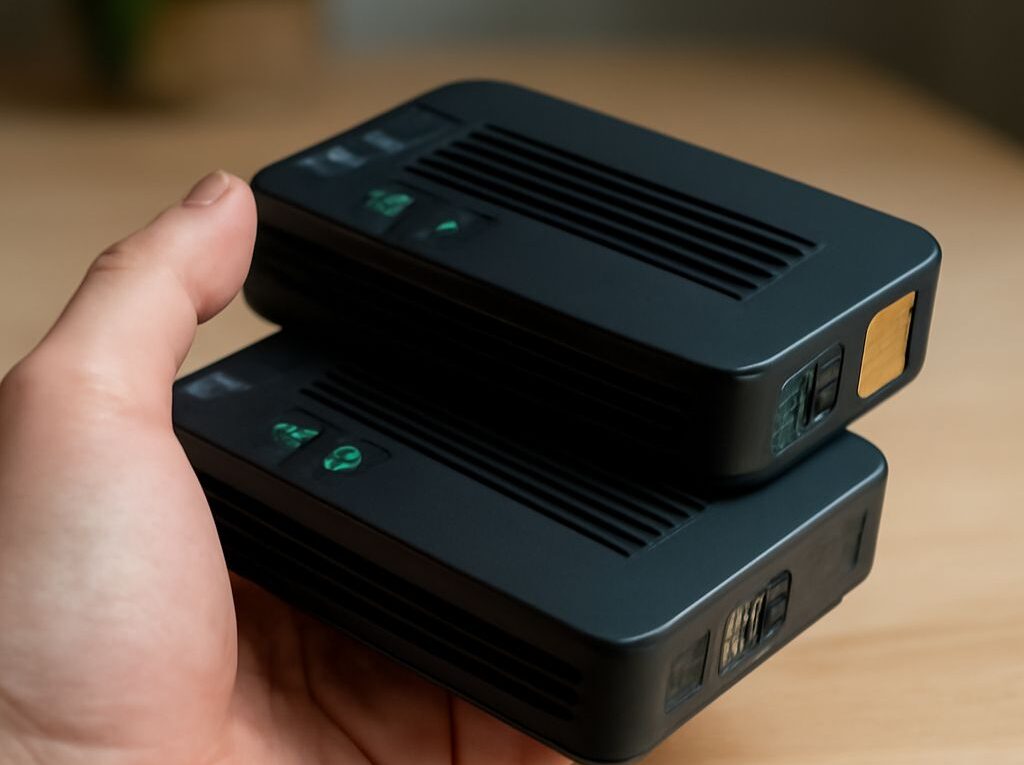
How to make an Ethernet cable: use T568A or T568B, crimp it, and verify the wire map. Then connect it to compatible internet over coax adapters, check power and addressing, and measure throughput.
Continue reading